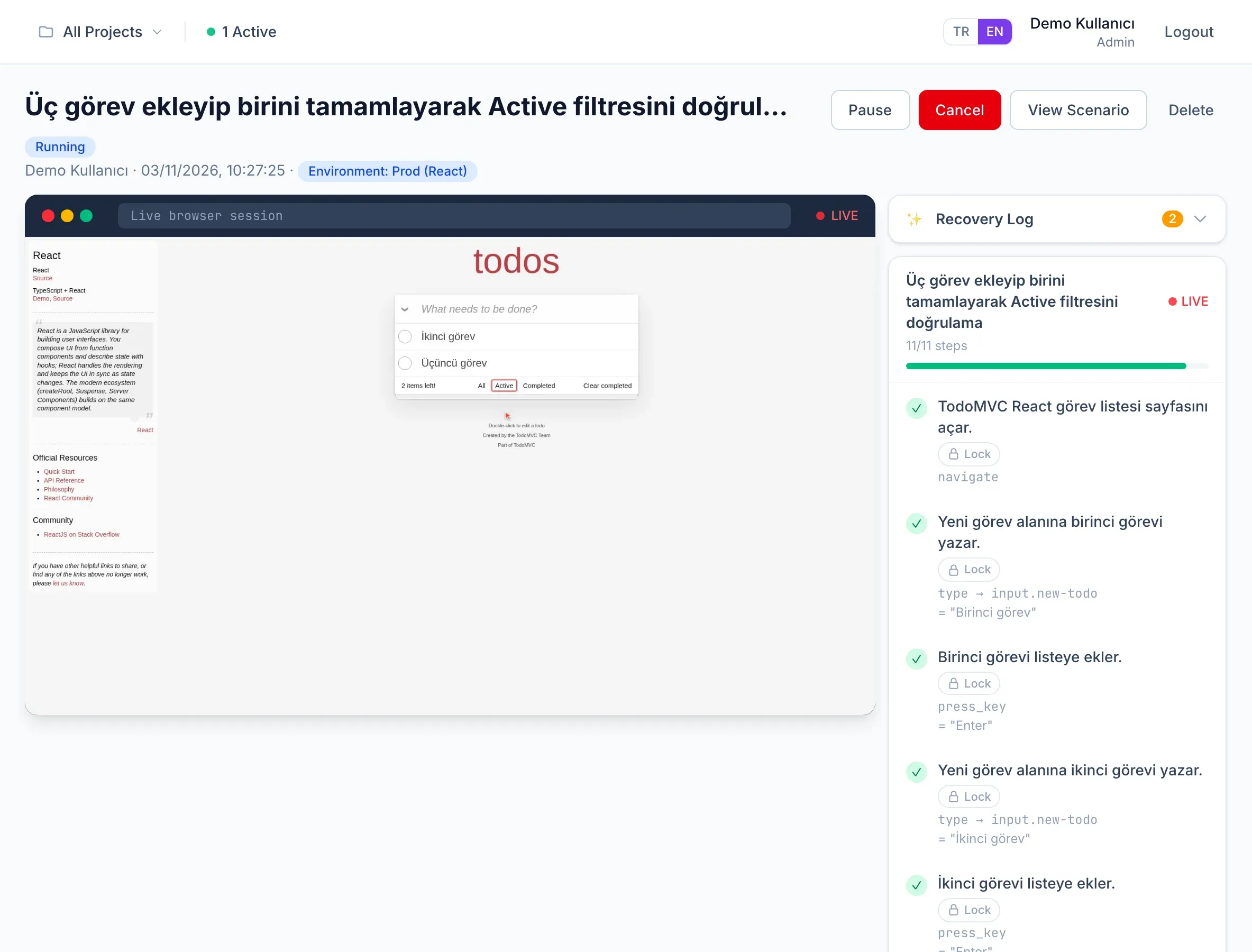
The UI changed? The test repairs itself.
When a step can’t be found, SmartCase replans, repairs and logs it. Assertions you lock are never touched by the AI.
click → #btn-checkoutElement not found: the button ID changed in the new release.
click → [data-testid="checkout"]Saved to the scenario and written to the audit log.
Tests from a sentence, a document or an API spec.
Describe the scenario, or upload a PDF or an OpenAPI spec. SmartCase writes the steps against your app’s real elements.
- Happy path, negative and edge case scenarios generated together
- Scenario groups by module from a requirements PDF
- CRUD, negative, authorization and boundary tests from an OpenAPI/Swagger spec
- Write app-specific rules in the Knowledge Base; the AI follows them every time
- Every scenario can also be viewed in Gherkin (BDD) format
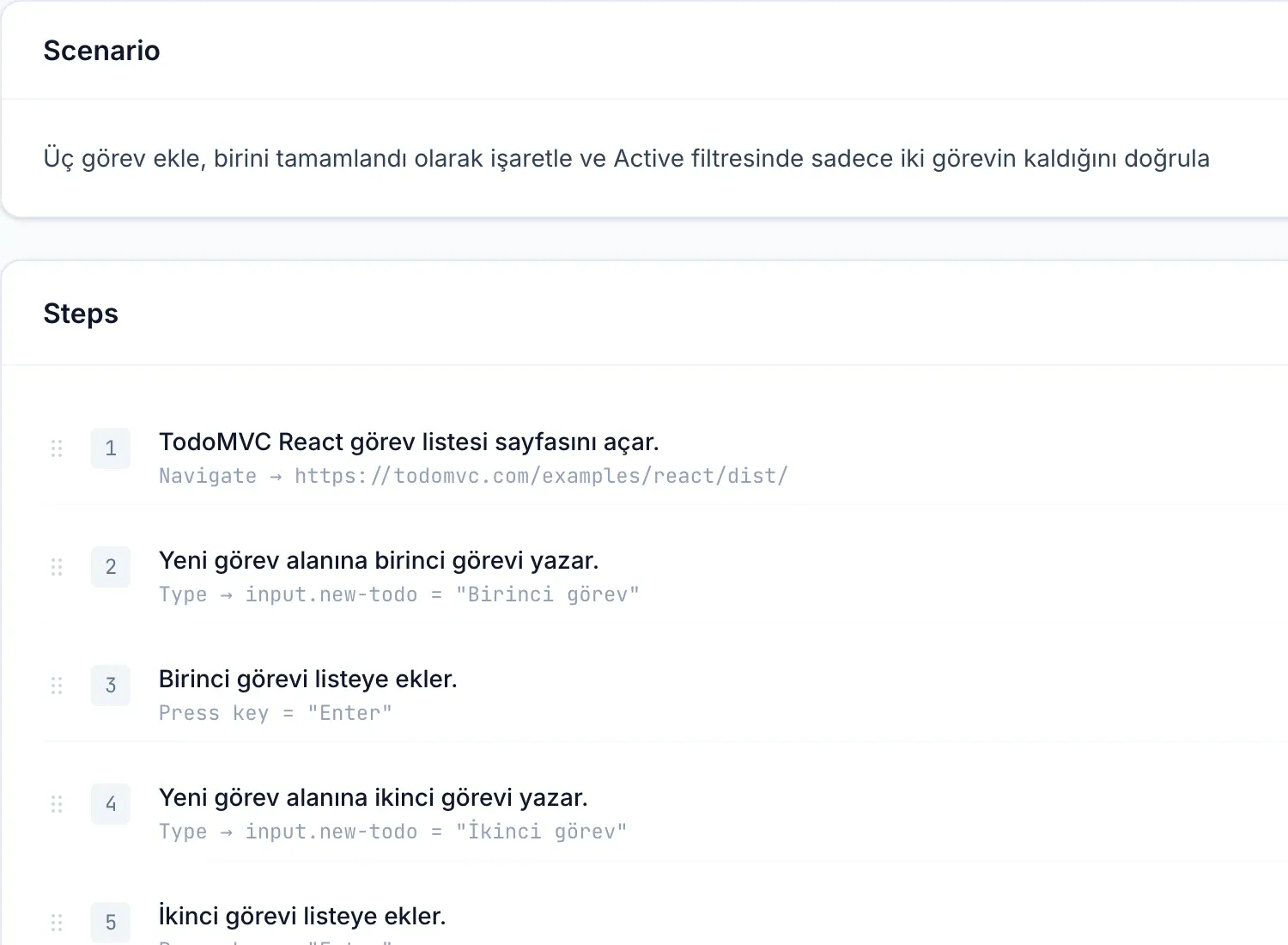
One scenario, every environment, one report.
Run the test on production, staging and development one after another and see status, value and timing differences step by step. Schedule it or trigger it from your CI/CD pipeline.
- Scheduled runs with cron and a concurrency queue
- HTML reports with a screenshot for every step, saveable as PDF
- CI/CD integration with the REST API, scoped API keys and webhooks
- When a test fails, the AI explains the cause
Works with: Playwright, Appium, BrowserStack, SmartFarm, Firebase App Distribution.
Your data stays with you. You pick the AI.
Use SmartCase in the cloud or install it on your own infrastructure. On premises, it can also run on a local model that never touches the internet.
AI provider
Anthropic Claude, OpenAI, Google Gemini, DeepSeek or an on-premises local model.
Access control
System and project roles; audit log for user, project and scenario actions.
API security
Scoped keys, IP allowlist and rate limits.
Notifications
Event-based webhooks with English and Turkish templates.
Questions you may have
Didn't find your answer? [email protected]
Does the AI hide failures?
No. Every repaired step shows up in the report and the audit log. The AI never changes assertions you lock; if they fail, they are reported as failures.
Which platforms can I test?
Web apps, Android and iOS apps, and REST APIs. Mobile tests run on real devices in SmartFarm or BrowserStack.
Do I need to know how to code?
No. You write the scenario in plain language or combine ready-made steps. If you want code, export tests to Playwright.
Does our data leave the company?
You can choose between cloud and on-premises. With an on-premises install and a local AI model, your test data never leaves the company.
Can I connect it to my CI/CD pipeline?
Yes. Start runs through the REST API and receive results by webhook. Exported Playwright tests also run directly in your pipeline.
See it on your own app.
In a live demo, we’ll build your first test together on your application.